
Guides
Daily start-up and shutdown checks
A short daily routine prevents blocked nozzles, poor starts and wasted media. These checks suit eco-solvent, UV and sublimation workflows.
Nozzle test before work
Before loading work, check the nozzle pattern. Compare the pattern with the previous day’s result, not just a perfect reference. A small repeat dropout in the same channel points to a cap, wiper or head face issue, not a profile or RIP setting.
If the pattern is off, wipe the head area and run the least aggressive clean needed. Repeating strong cleans too quickly can waste ink and hide the real cause. Log which colour dropped, how many nozzles were missing and whether the next check improved.
Check ink and waste points
Look at ink levels before long runs, especially light colours and white where fitted. Low ink near the end of a job can shift density between panels. If a cartridge has been standing for a while, confirm it is seated properly and that the line is feeding as expected.
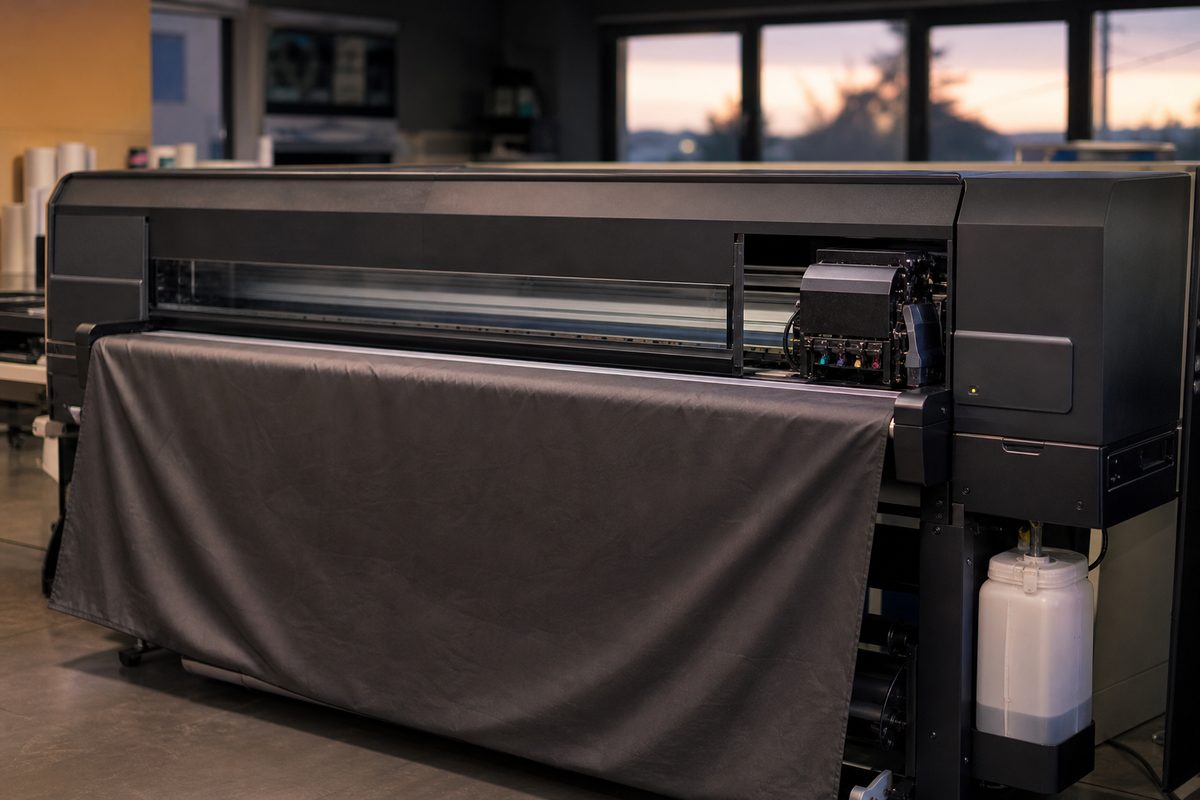
Check the waste ink bottle every day. If it is near full, empty it before any cleaning cycle. An overfilled bottle can trigger errors, spill during movement or make staff skip needed maintenance because there is nowhere for the waste ink to go.
Before a long run, go through the ink and waste points:
- Confirm all colours are present
- Check white or varnish if fitted
- Empty waste before heavy cleans
- Record low stock for reordering
Inspect wipe and cap areas
The wiper should be clean enough to lift ink, not smear it back onto the head face. Build-up on the wiper, cap top or around the station can show up as repeating nozzle loss after the printer has been standing, even when prints looked fine earlier.
Check that the cap seals evenly and is not warped, flooded or dry. A poor seal lets the head lose moisture overnight. On UV machines, cured ink around the station needs early attention because it can stop proper parking and lead to hard nozzle loss.
Shut down for a clean restart
At the end of the day, park the heads in the proper home position, switch heaters off if your workflow calls for it and cover exposed media. Leaving material open invites dust and edge curl, which can show up as head strikes or inconsistent take-up the next morning.
Finish with a short log entry. Note nozzle status, any wipes or cleans, ink or waste levels, unusual noises and media left loaded. A simple record makes recurring faults easier to spot and helps different operators start from the same information.
What our Large Format Printing customers say
Verified Google reviews
End-of-day routine questions
Describe your current shutdown routine and where it lets you down.