Resources
Printer resources
Checklists and reference notes for comparing printer types, planning media and ink choices, and setting routine checks that prevent wasted prints.
Choose the right printer
The work you produce the most sets the direction. Vehicle graphics, posters, labels, fabric and rigid boards each push you toward different ink sets, heater layouts and feed systems. A printer that suits adhesive vinyl may be a poor fit for textiles or direct-to-board work.
Check the full running setup, not only the printer. Confirm media width, take-up handling, RIP support, colour profiling and daily maintenance tasks. If your jobs include contour cutting, decide early whether a combined print-and-cut workflow will save floor space and operator time.
A printer comparison starts with what you print and how:
- Media used
- Ink type required
- Print and cut needs
- RIP and profiling support
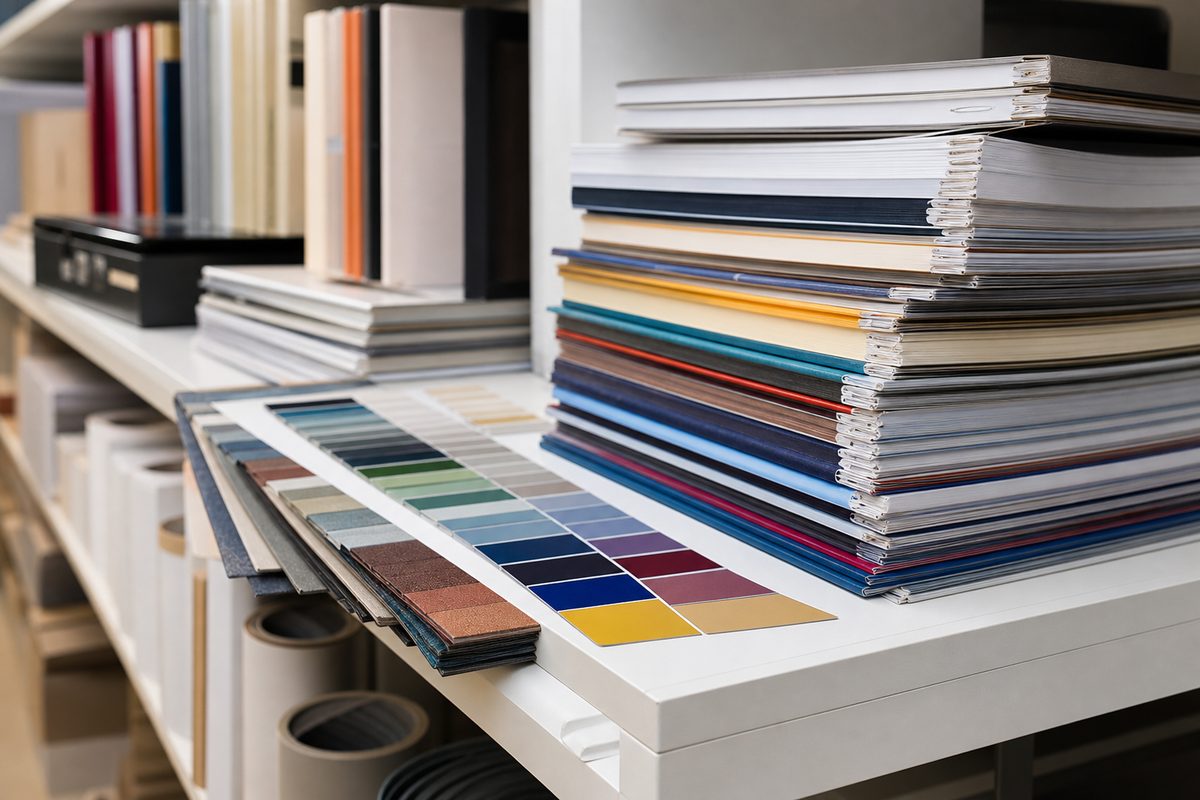
A media spec checklist and a printer brief checklist
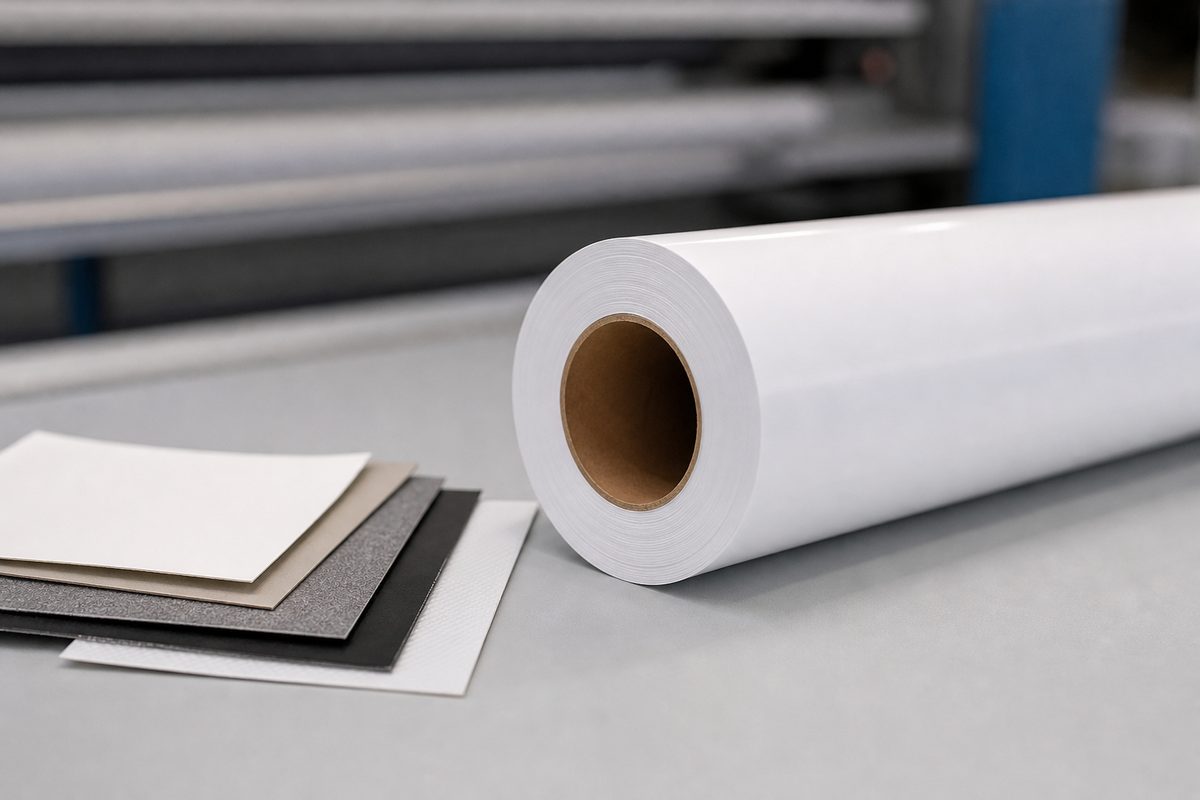
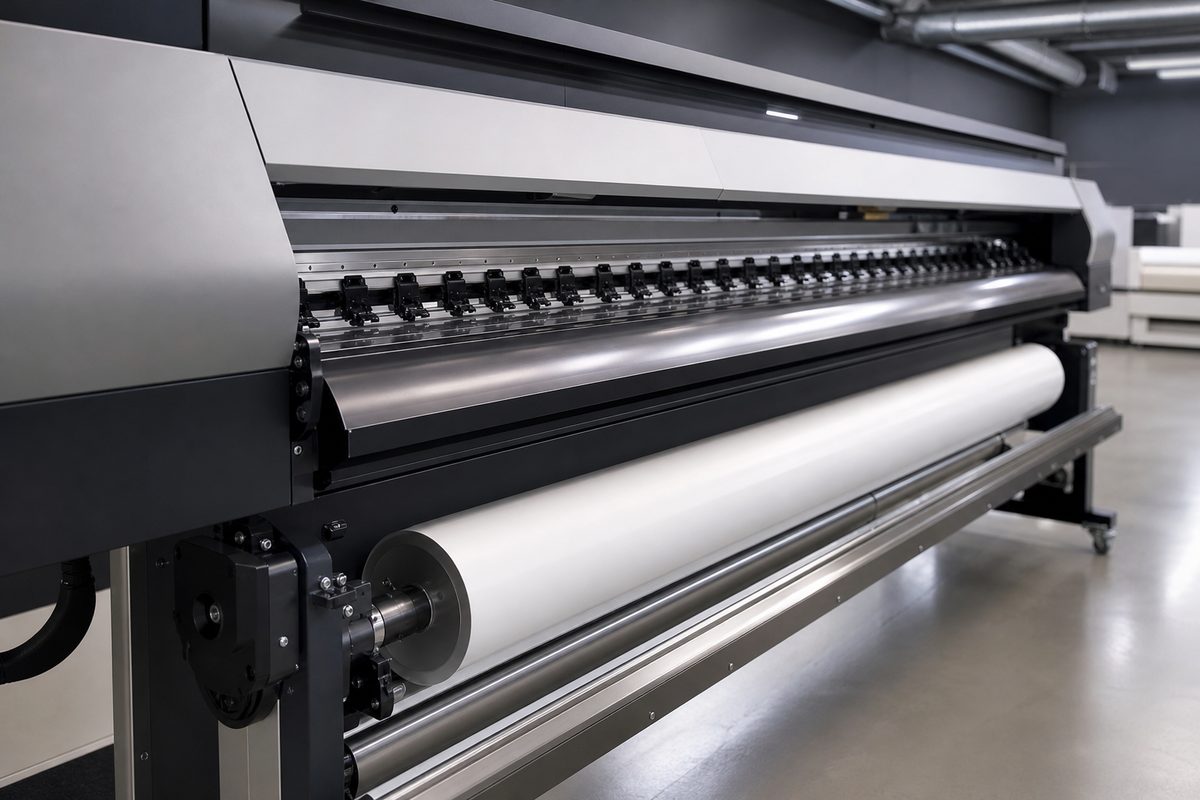
Keep output consistent
Print faults can start with routine basics. Check nozzle condition before production, confirm head height for the loaded media, and keep pinch rollers, capping parts and platen areas clean. Banding, overspray and head strikes can come from skipped daily checks rather than major part failures.
Colour drift comes from changed media, incorrect profiles or unstable heat and feed settings. Record the profile used, heater values, pass mode and linearisation state for repeat jobs. When output changes, compare those settings first before adjusting artwork or ink limits.
Repeat output holds steady with a few habits:
- Run nozzle checks
- Match profile to media
- Record repeat-job settings
- Clean contact points
What our Large Format Printing customers say
Verified Google reviews
Printer and workflow questions
Got a printer shortlist? Add the media and workflow needs to the same message.