
Guides
Printer guides
Practical guides for selecting the right print method and keeping output consistent across media, colour settings and daily maintenance.
Choose the right print method
Eco-solvent, UV and sublimation differ by substrate, finish and workflow. The differences that matter in production are ink adhesion, drying behaviour, odour, lamination timing and the jobs each method handles best.
Print-and-cut work adds its own checks: contour accuracy, media tracking, and whether cutting drift comes from feed calibration rather than artwork. Settling the method narrows the machine type before speed or width come into it.
Which print method fits a job depends on:
- Substrate compatibility
- Indoor and outdoor use
- Lamination timing
- Contour cut accuracy
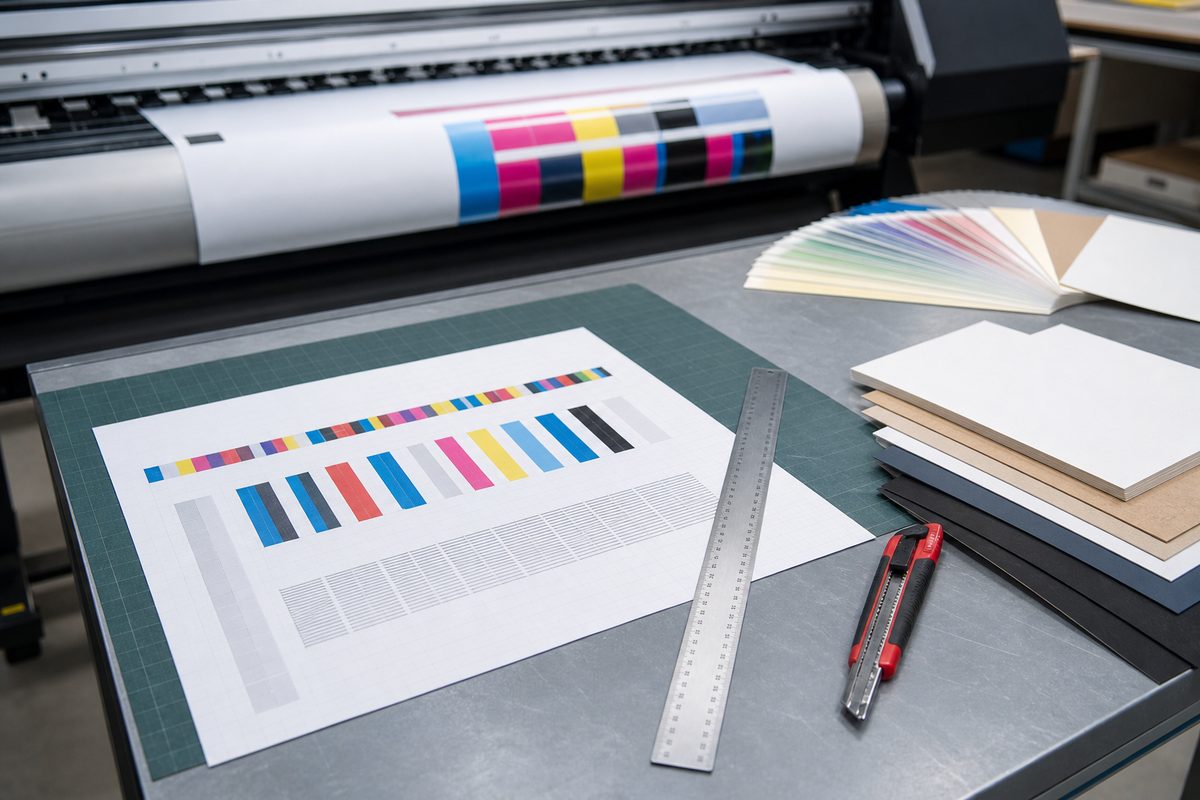
Six guides, from a first printer to profiling new media
Guides
Choosing a first large format printer
Matching ink, width and RIP to the work a shop already sells.
Guides
Eco-solvent or UV
Media, curing, odour and finishing compared between the two.
Guides
Media loading basics
Loading roll media straight to avoid skew, wrinkles and head strikes.
Guides
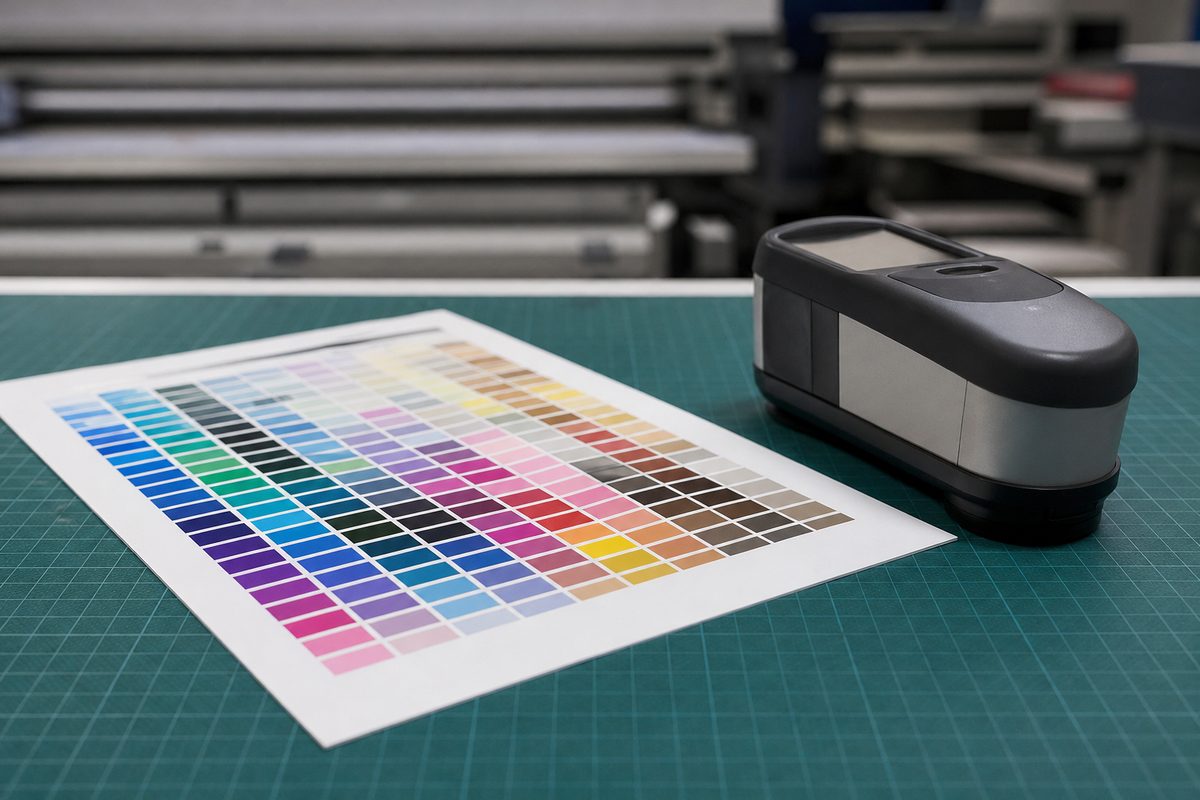
Profiling a new media
Ink limits, linearisation and an ICC build for a new media.
Guides
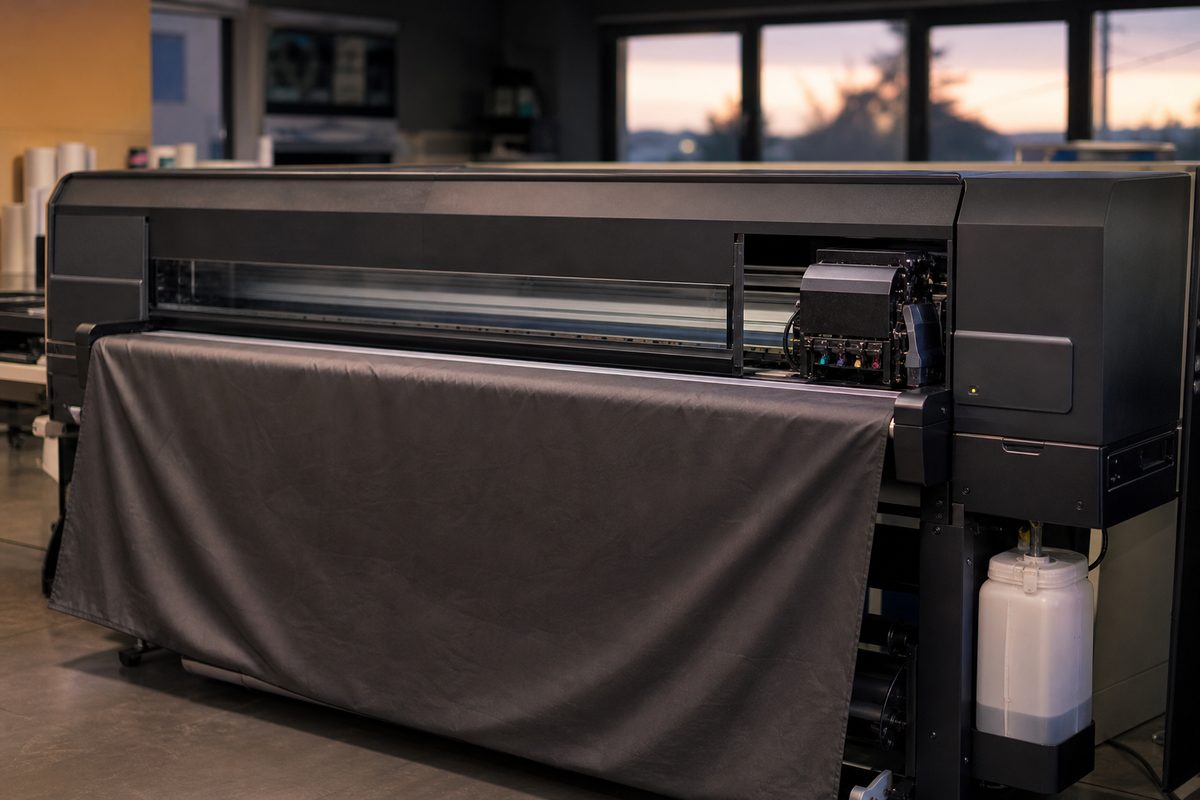
Daily start-up and shutdown checks
Daily checks that reduce nozzle loss, messy shutdowns and poor starts on wide format printers.
Guides
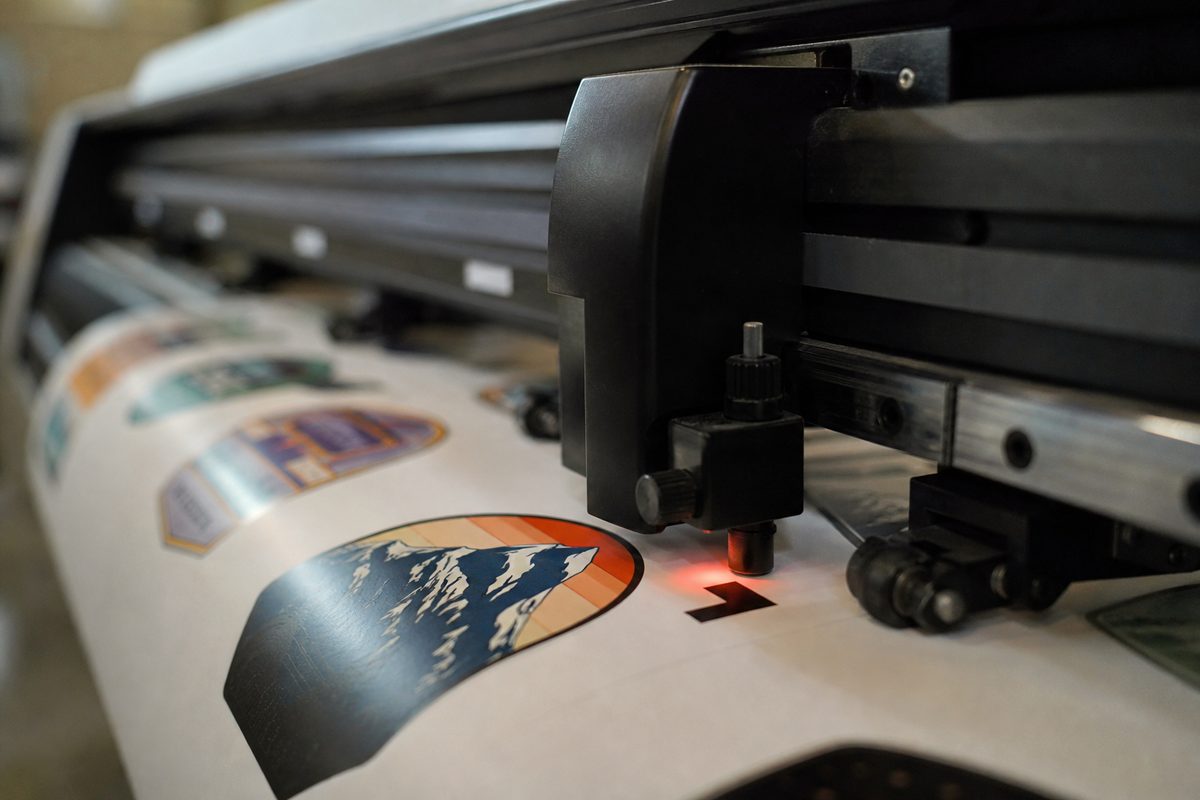
Print-and-cut registration
Mark reading, sensor setup and offsets for contour cuts.
Run printers with fewer issues
Day-to-day running depends on colour profiling, RIP setup, media feed calibration and printhead care. Each has a clear adjustment when colours shift between jobs, solids look grainy, black density changes or banding appears after a media change.
Routine checks cover nozzle condition, head height, pinch roller placement, take-up tension and heater settings where relevant.
The operating guides work through five recurring problems:
- Banding diagnosis
- Colour consistency
- Feed calibration
- Printhead cleaning
- Take-up control
What our Large Format Printing customers say
Verified Google reviews
A question the guides leave open
Write in with the printer, media and step that has you stuck.