Support
Printer support questions
Printer support questions are answered in writing. The job details that affect colour, printheads and day to day output make the reply more useful.
Send useful fault details
Describe the printer model, ink set, media type and the job that showed the fault. Add the RIP used, print mode, pass count and any recent changes such as a new roll, profile, ink refill or cleaning step. These details narrow the cause faster than a general fault description.
State exactly what the print did. Banding, missing nozzles, overspray, colour shift, head strikes and skew point to different checks. Include when it started, whether it affects every file or one file, and what you have already tested.
A complete support message gives:
- Printer and ink type
- Media and profile used
- Print mode and passes
- Fault seen on output
- Checks already done
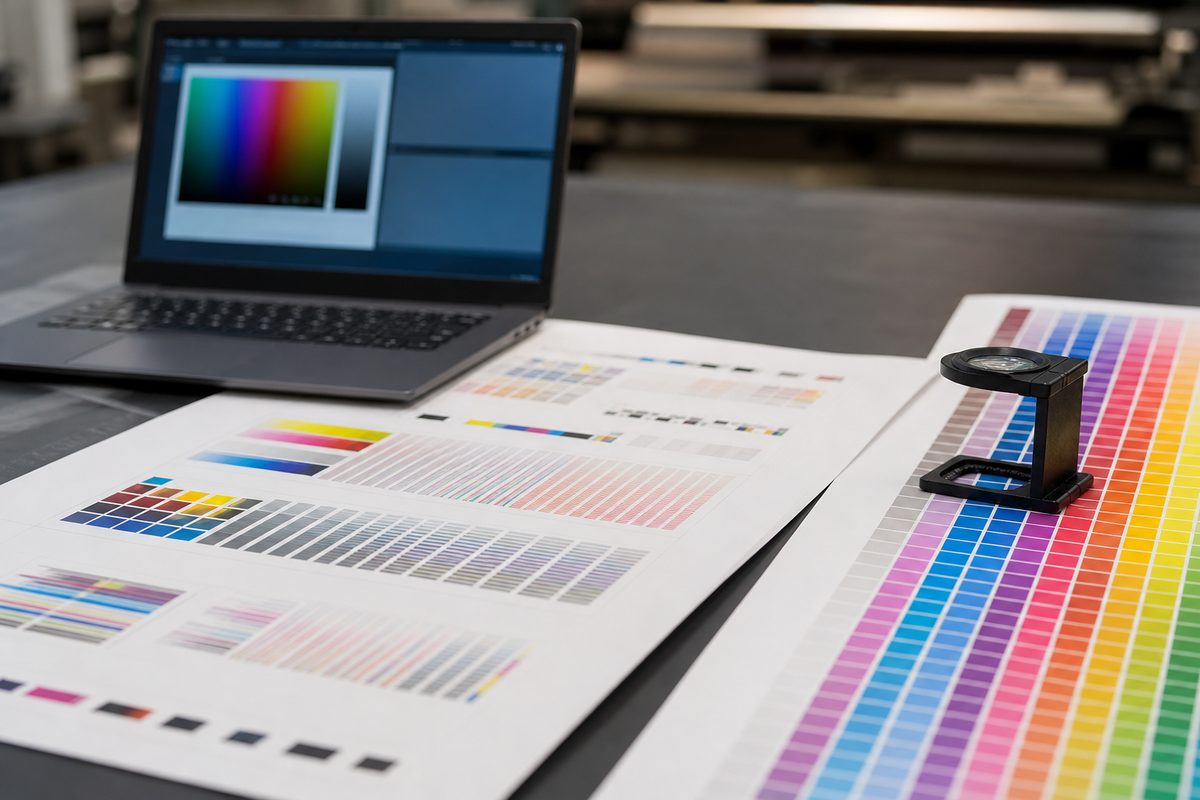
Briefs, after-delivery notes, printhead and colour questions

Support
How to send a printer brief
What to include so a printer question gets a clear answer.
Support
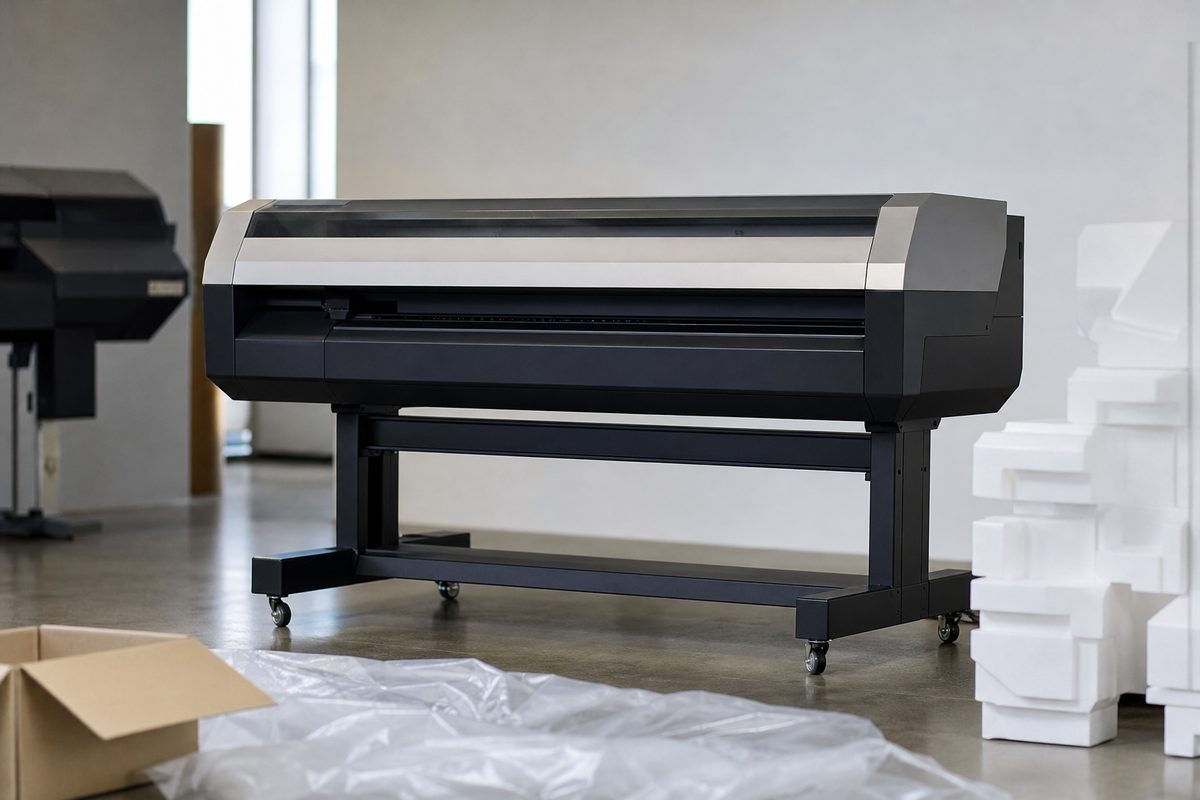
After-delivery notes
First-week habits once a printer has arrived.
Support
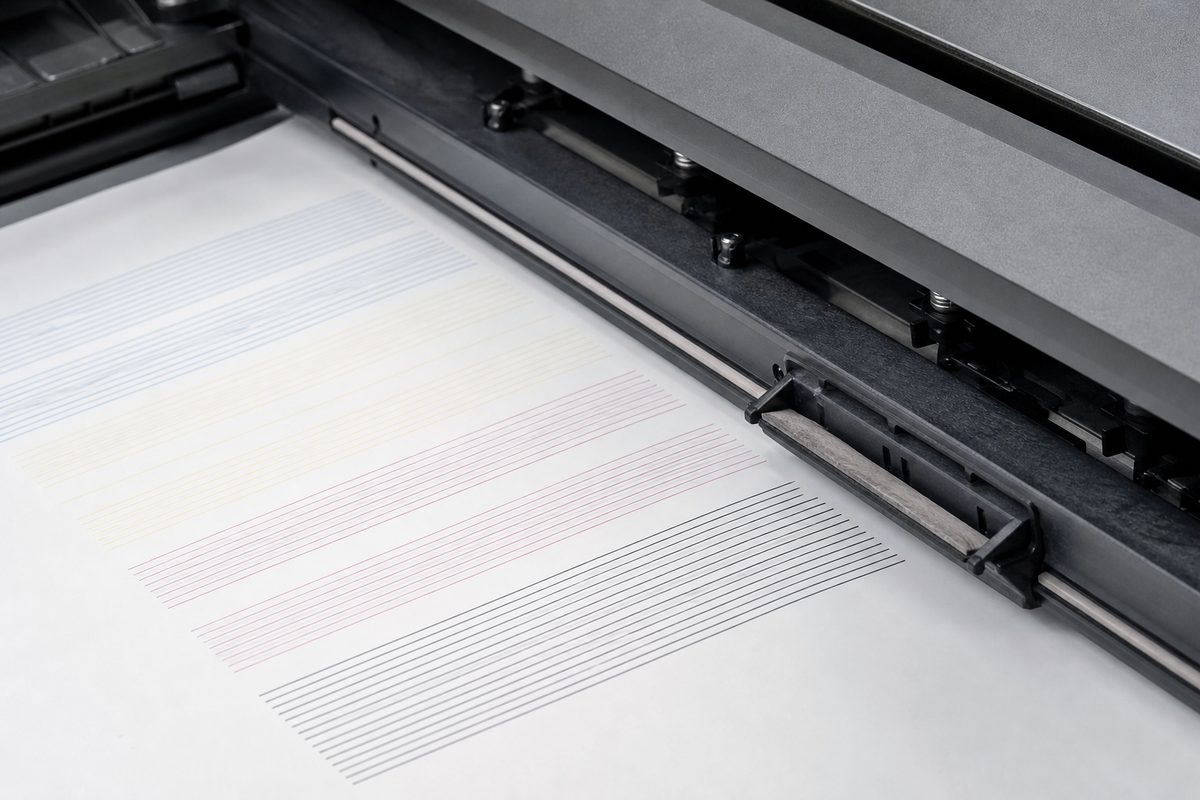
Printhead questions
Describing banding, missing nozzles and deflection.
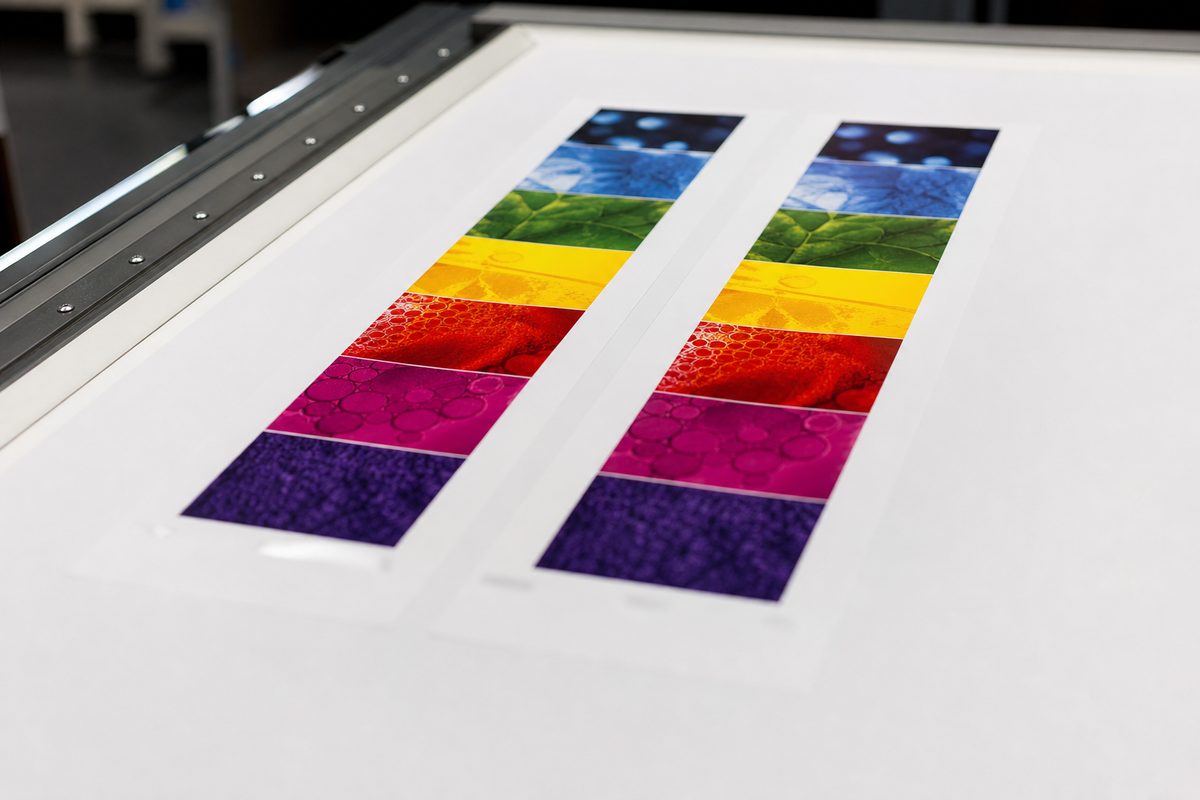
Support
Colour questions
Profiles, media changes and mismatched reprints.
Cover colour and head issues
For printhead questions, say which channel is affected and whether the nozzle pattern is stable or changes between cleans. Note any deflection, gaps, ink misting or repeated drop out after a short print run. Mention capping, wiper and cleaning fluid checks if those have already been done.
For colour questions, describe the file source, colour intent, media profile and the colours that are wrong. Say if the shift appears in solids, skin tones, greys or only certain spot colours. For problems soon after delivery, notes on the first media tested, room conditions and routine maintenance can explain early output issues.
What our Large Format Printing customers say
Verified Google reviews
Send your support message
The printer, media, RIP and fault details let us answer clearly in writing.