Printheads
Printheads for large format printers
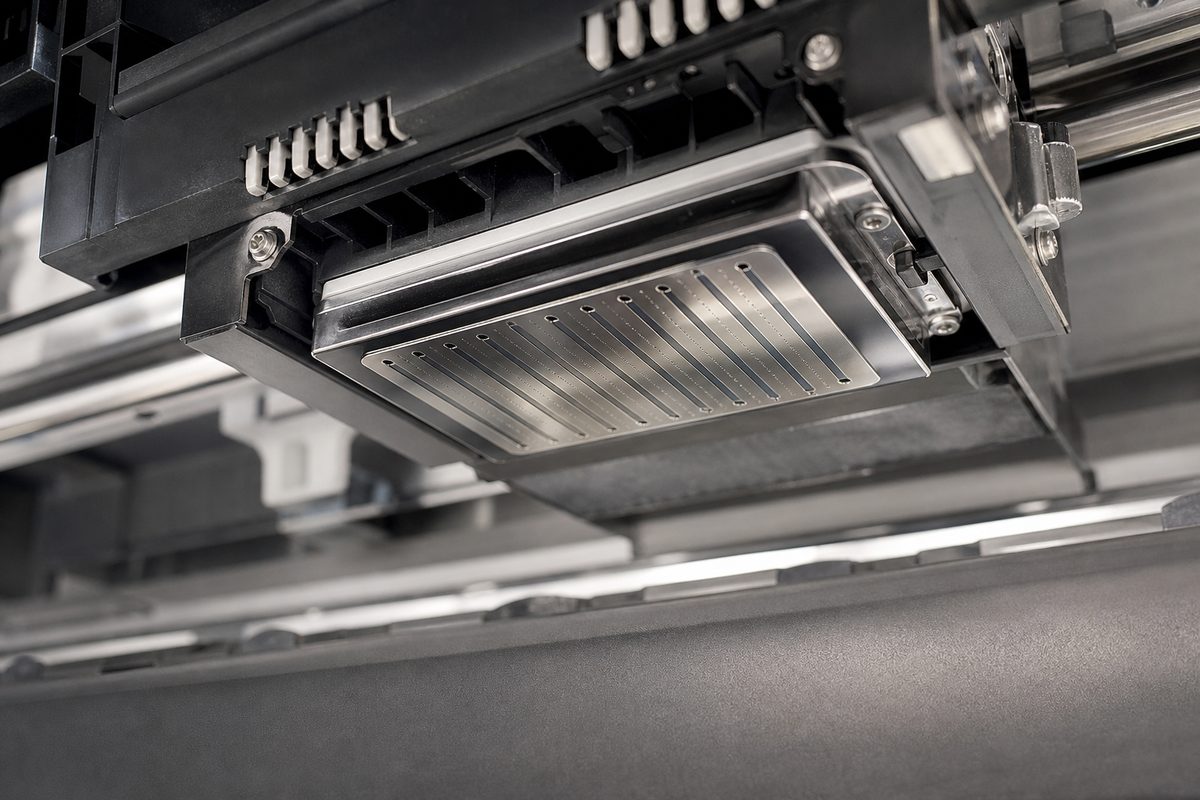
Printheads determine detail, density and banding. Knowing the common Epson families and basic care helps you protect output quality.
How printheads affect output
The printhead controls drop placement, ink density and edge sharpness. When nozzles misfire, the first signs are light banding, fuzzy small text, missing colours or grain in solid areas. A nozzle check shows the pattern before a full print wastes media and ink.
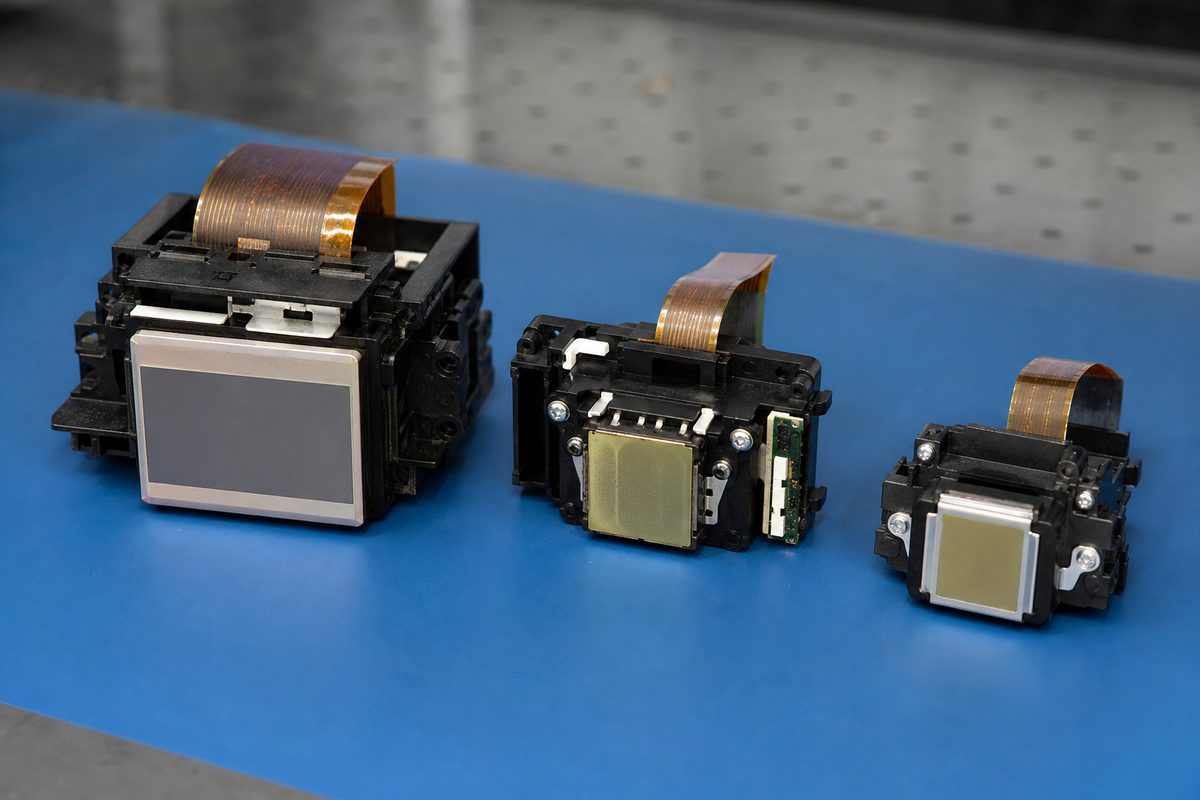
Head choice also affects speed, pass count and the kind of work a printer handles well. Some Epson families are common across eco-solvent, UV and sublimation platforms, including I1600, I3200, XP600, DX5 and DX7. Compatibility depends on the machine, board, ink set and carriage setup, not the connector alone.
A struggling printhead shows up on the print as:
- Banding in flats
- Weak colour channels
- Soft fine detail
- Overspray at edges
Choosing printheads and keeping them clean
Head care that prevents loss
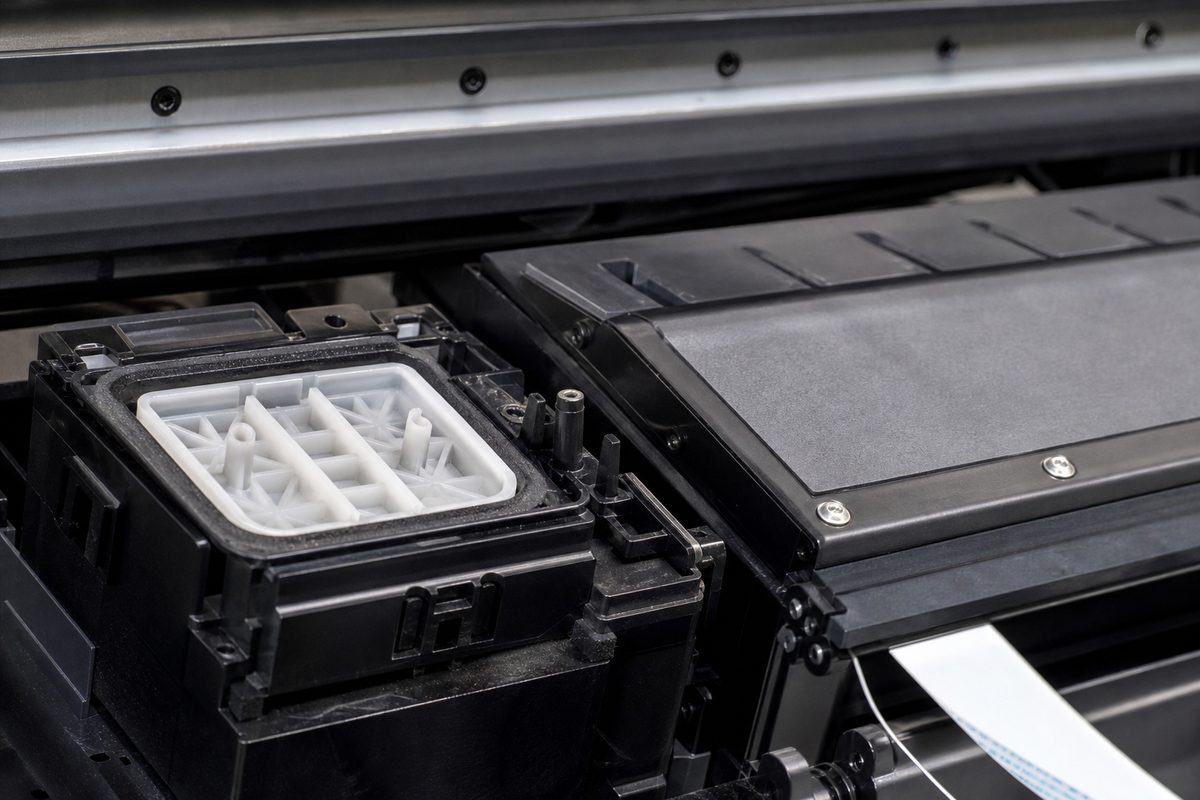
Daily care keeps nozzles firing. Check capping station contact, wiper condition and whether the head face is picking up ink mist. Poor sealing dries nozzles, a dirty wiper drags ink across the face, and blocked dampers can mimic head failure by starving a channel.
Use the correct cleaning fluid for the ink type, keep the parking area clean, and avoid aggressive wiping on the nozzle plate. If a channel drops out repeatedly after cleaning, inspect ink delivery and maintenance parts before blaming the head itself.
What our Large Format Printing customers say
Verified Google reviews
Head family questions
Printer and ink details tell us which head family and care items apply.