RIP and colour
RIP software and colour profiling
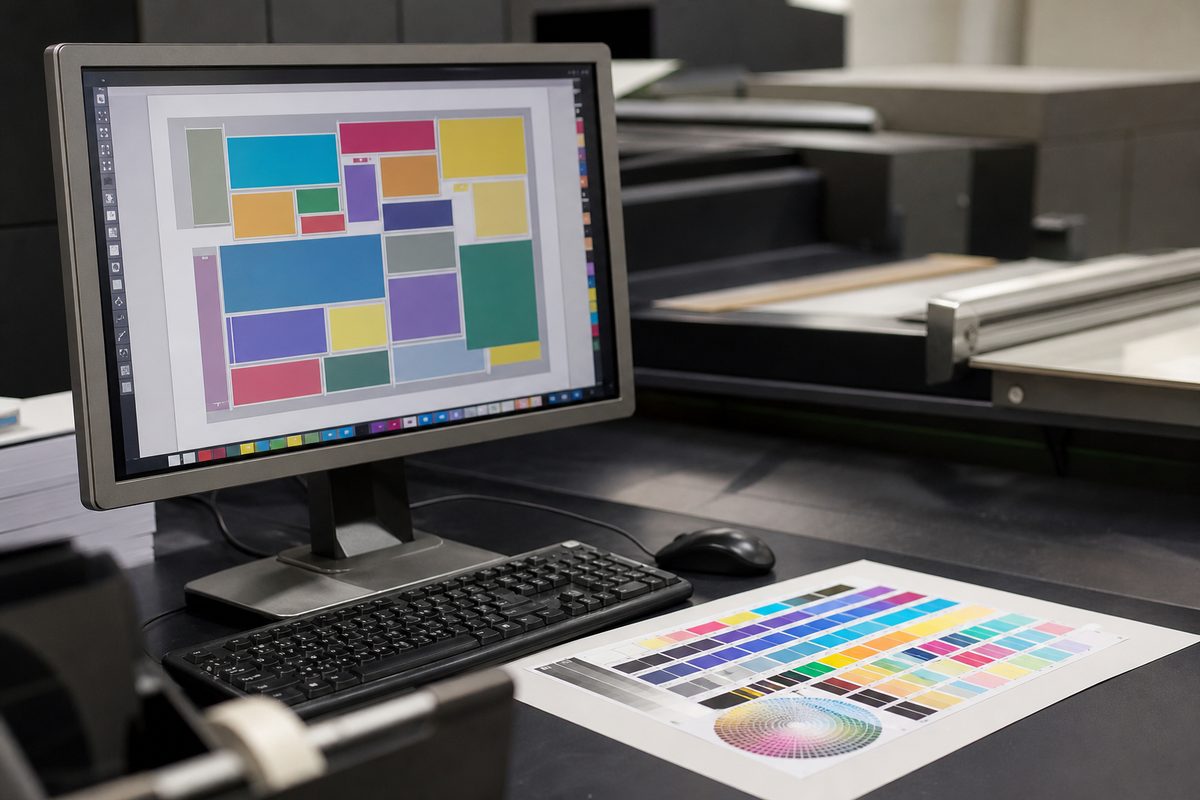
RIP software sets how jobs are placed, processed and coloured. ICC profiles and routine checks keep output repeatable across media and reprints.
How RIP control affects output
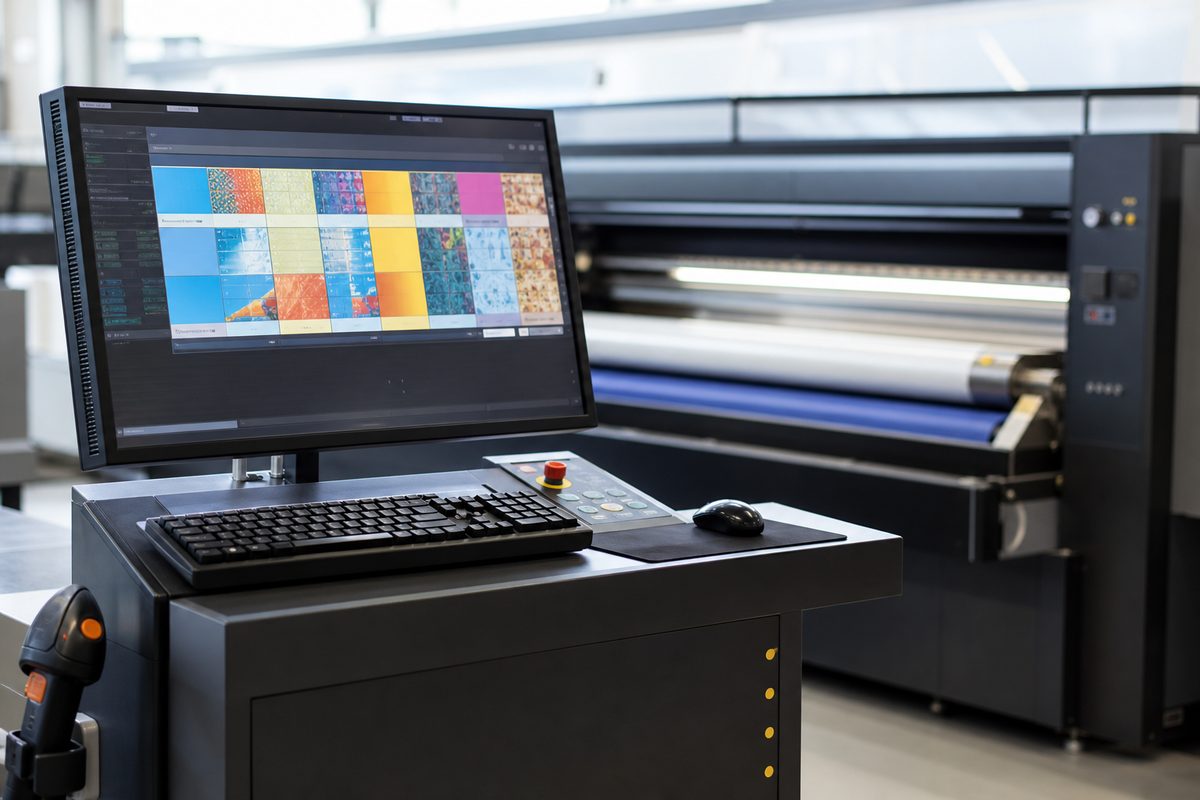
The RIP decides job order, nesting, panel layout, ink limits and pass settings before the printer starts. Small setting changes affect drying, grain, detail and total ink. If panels from one graphic are processed with mixed presets, colour and density can shift even when the artwork is identical.
Check resolution, pass count, heater behaviour where relevant, and scaling rules before release. For repeat work, save proven queues so the same file, media and ink combination is processed the same way every time.
Repeatable RIP output rests on fixed queue rules:
- Use one preset per job set
- Keep scaling rules fixed
- Match queue to media type
- Save repeatable production queues
RIP software, ICC profiles and routine colour checks
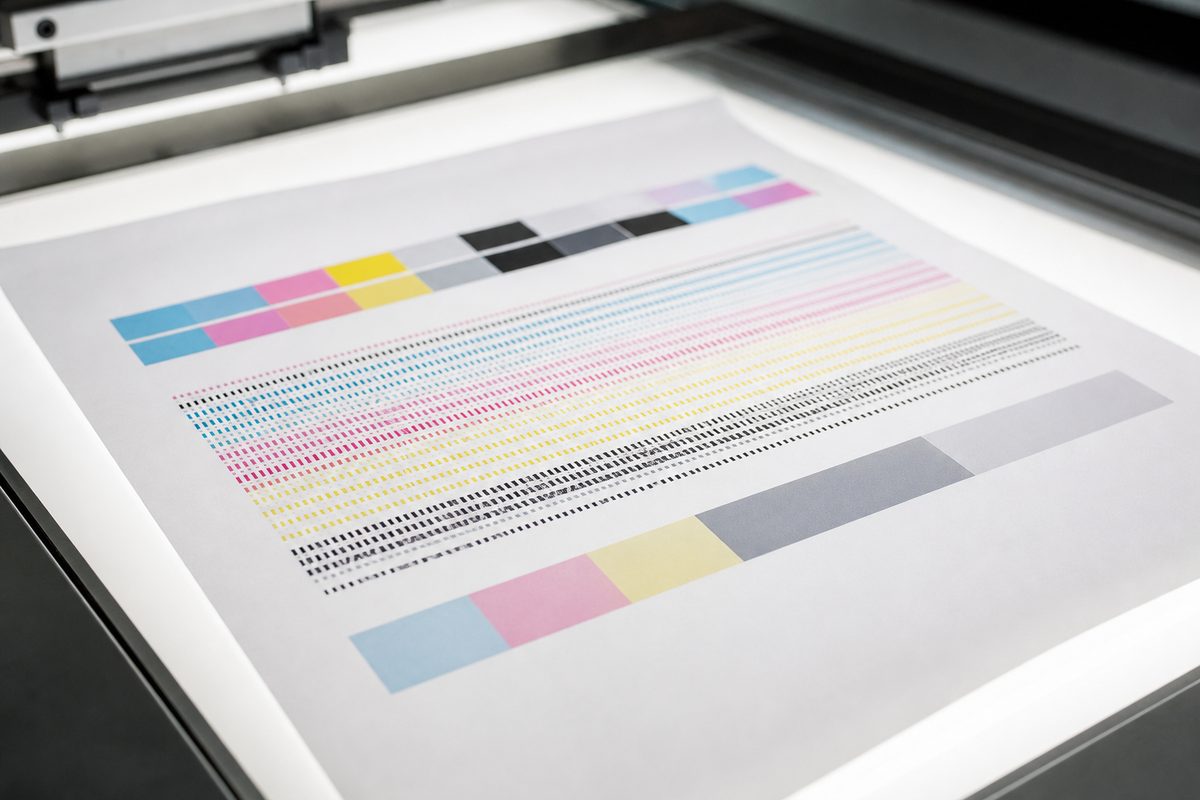
Profiling for repeatable colour
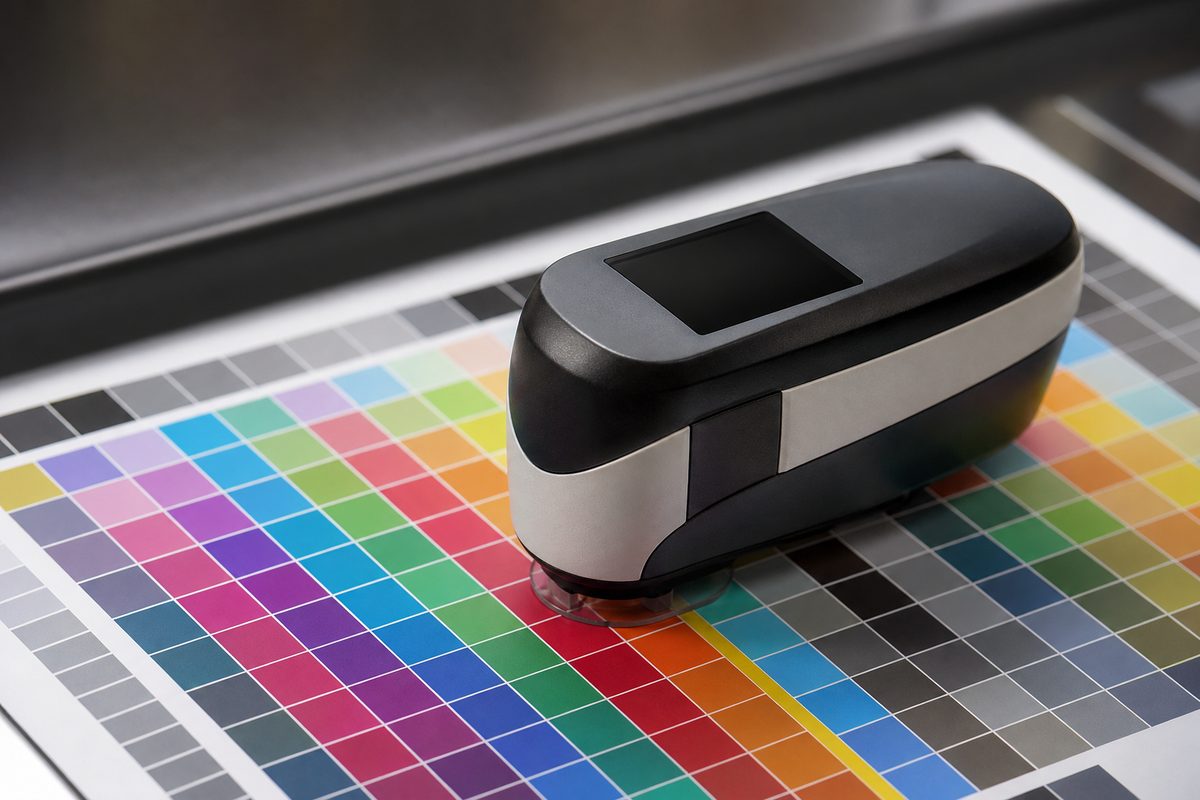
ICC profiles link a specific printer, ink set and media to predictable colour output. A profile made for one vinyl will not reliably hold on another, even if both look similar. When blacks look weak, greys cast, or brand colours drift between batches, the profile or linearisation is the first place to check.
Routine colour control means checking output against a known target, not judging by eye only. Reprofile after ink changes, media changes or head work that alters ink delivery. Keep one approved profile per production condition, then use that same profile for reprints so panels and replacement graphics stay closer to the original run.
What our Large Format Printing customers say
Verified Google reviews
RIP and colour questions
RIP software, ICC profiling and colour checks can all be covered by message.