
Guides
Media loading basics
Straight loading starts before the first feed. A few checks on alignment, tension and take-up prevent skew, wasted media and head contact.
Set the roll square
Centre the roll on the shaft and seat the core evenly on both holders. If one side sits deeper or the collars are not locked evenly, the media tracks at an angle before printing even begins.
Pull a short length forward and compare both edges to a fixed reference on the printer bed or front guide. Media should run in a straight path from roll to platen. If the edges drift from that reference, reset the roll instead of correcting it later with feed adjustments.
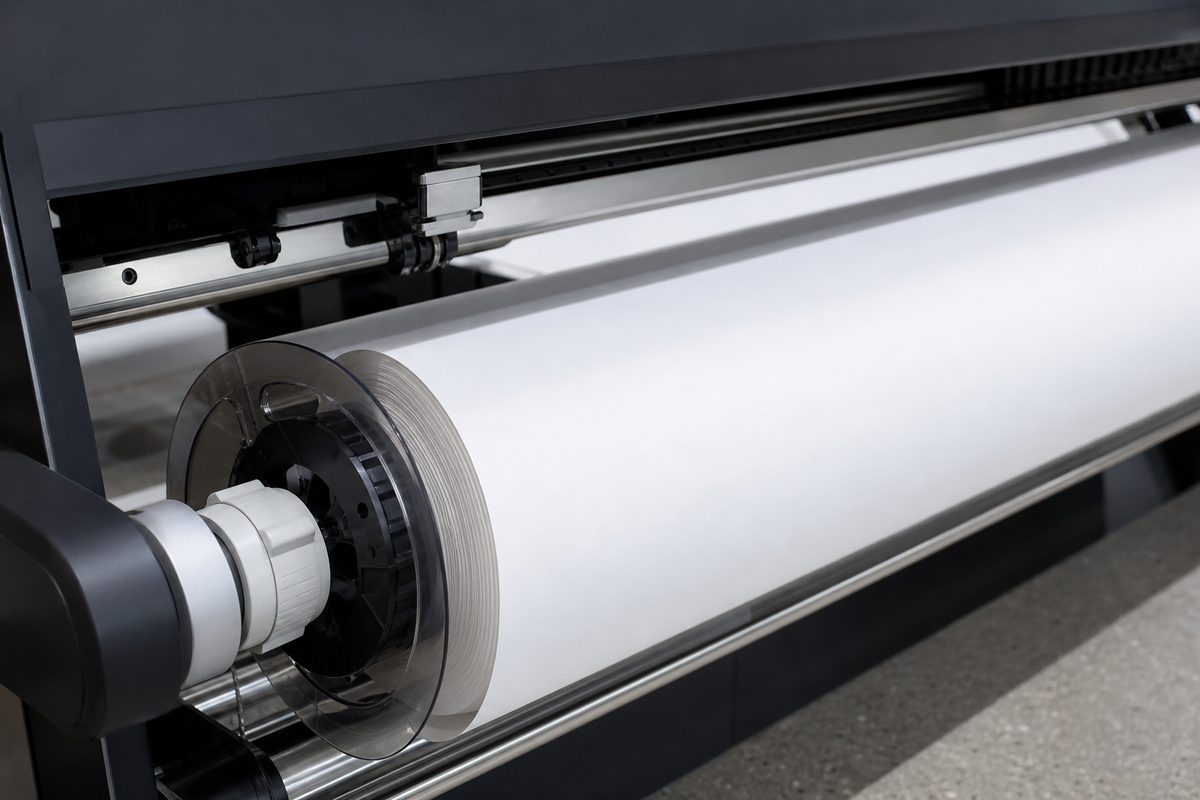
Balance tension and guards
Tension should be firm enough to keep the web flat, but not so tight that the drive system stretches the media or pulls it sideways. Too little tension allows slack and flutter. Too much tension shows up as wandering, edge curl and uneven advance.
Set edge guards only where they control lift without rubbing the printed area. Guards that press too hard can mark soft media or create drag on one side. Guards set too high do nothing, and curled edges are more likely to catch the head path.
A roll that is loaded and tensioned correctly shows three signs:
- No visible slack between roll and platen
- Both edges sit flat near the print zone
- Guards control curl without scuffing
Run a feed check
Advance and reverse the media before the job starts. Watch whether it returns to the same edge position. If one side walks inward or outward, stop and correct the loading. Skew always gets worse over distance, especially on longer panels and repeats.
During the feed check, listen for rubbing and watch clearance over joins, raised fibres or curled corners. Head strikes can start with a small lift that looks harmless during loading. If the surface does not stay flat through movement, it is not ready to print.
Match the take-up pull
The take-up roller must pull in line with the natural feed of the printer. If it tugs harder on one side, the web starts to cone and the roll winds unevenly. That side tension feeds back into the print zone and causes tracking errors.
Begin take-up only after the media is feeding straight across the platen. Keep the first wraps neat and even on the core. A bad first wrap builds a permanent lean, and each new layer increases the chance of skew, wrinkles and head contact.
What our Large Format Printing customers say
Verified Google reviews
Loading problems on a roll
Give the printer model, roll width and the fault you see when loading.