Guides
Profiling a new media
A new media needs its own settings before colour can hold. Build the profile in order so density, drying and repeatability stay under control.
Fix a stable mode first
Choose the print mode you expect to use in production, not the fastest pass count on the machine. Resolution, pass count and carriage speed all affect dot gain, drying and total ink the media can hold, so the profile only makes sense for that exact mode.
Set heater temperatures before any charts are printed. On eco-solvent media, too little heat leaves ink wet and unstable, while too much heat can soften the coating, curl the sheet or shift feed behaviour. Keep take-up tension, vacuum and feed settings steady so the target prints under normal running conditions.
Fix the print mode before printing a target:
- Lock resolution and pass count
- Set heater values first
- Use normal vacuum and feed
- Profile the production mode
Find the usable ink limit
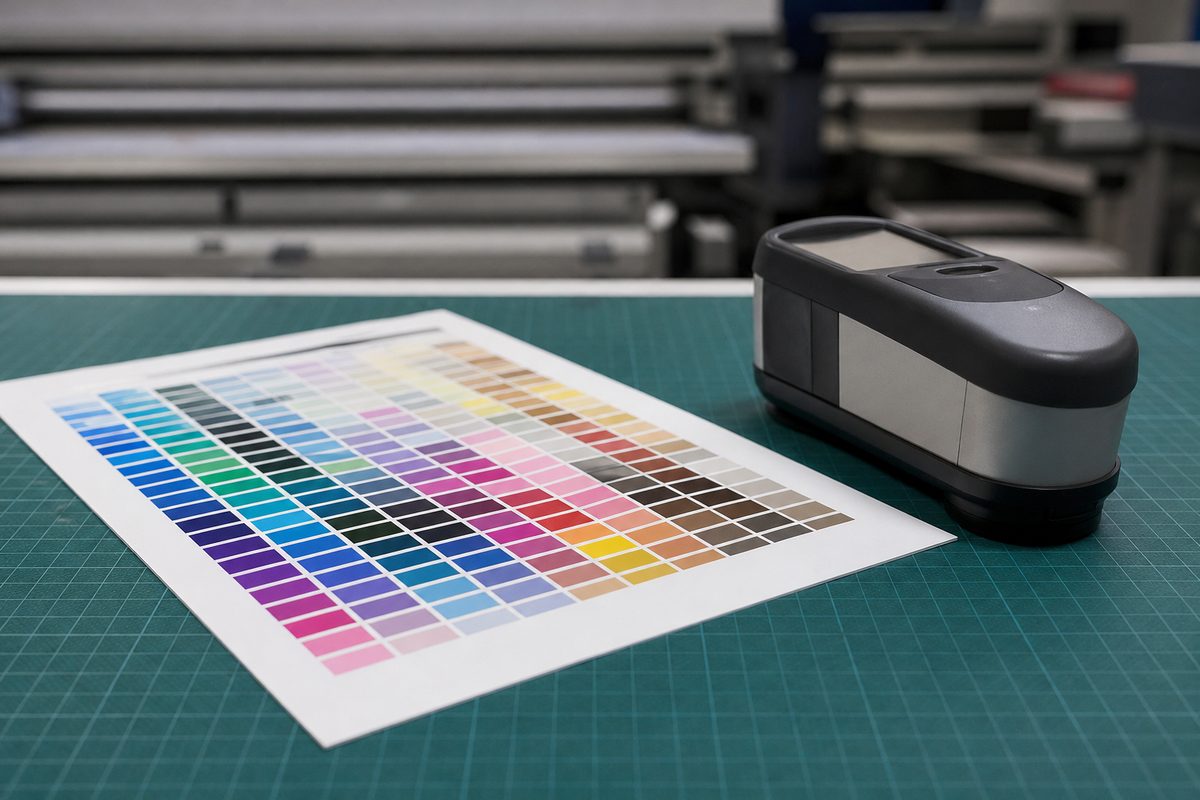
Print the ink limit chart after the machine is warmed up and nozzles are clean. Look for the first patch where colour no longer gets richer, or where gloss, bleeding, mottling or slow drying starts to appear. The correct limit sits just below that point.
If one channel overloads early, reduce that channel before moving on. A heavy black or yellow limit can cause muddy shadows, edge bleed and unstable neutrals later in the profile. The aim is not maximum colour, it is controlled colour the media can dry and hold consistently.
Linearise before measuring
Run linearisation with the chosen ink limits so each channel builds tone in an even, predictable way. When linearisation is off, mid-tones jump, grey balance drifts and the ICC has to correct problems that should have been fixed earlier in the workflow.
After linearisation, print the profiling target with the same mode, heaters and feed settings. Let the target dry properly before measurement, especially on solvent and some coated films. Measuring too early gives unstable values and the next reprint may not match the profile you just built.
Build and save the preset
Measure the target carefully, keeping the chart flat and reading order correct. Build the ICC with the intended rendering choices, then run a test print with skin tones, neutrals, solids and small text. Check for blocked shadows, clipped reds, dirty greys and uneven saturation across fills.
If the test print looks right, save the preset with a name that identifies the media, print mode and date clearly. Keep the heater settings, ink limits and linearisation linked to that preset. If any of those production settings change later, profile again instead of reusing the old ICC.
What our Large Format Printing customers say
Verified Google reviews
Profiling order for your media
Share the printer, ink, RIP and media, and the reply can cover a sensible profiling order.