Inks and media
Sublimation inks and transfer paper
Sublimation results depend on the match between ink, transfer paper, polyester content and press settings. Small changes in any one of them show up in colour and release.
Choose the right paper
Transfer paper weight affects cockling, ink hold and how cleanly the image releases under heat. Lighter papers dry quickly and suit many textile runs, while heavier papers can stay flatter on wider jobs and carry heavier ink loads without waviness.
Paper choice also depends on the fabric and the image. High coverage blocks and dense dark areas put more moisture into the sheet, so poor paper choice can lead to edge blur, strike through or uneven transfer. Keep paper handling dry and consistent, because absorbed moisture changes release behaviour.
Paper weight and storage come down to a few choices:
- Use lighter paper for faster drying work
- Use heavier paper where flatness matters
- Match paper to ink load and image density
- Store paper sealed and away from moisture
Tacky or standard paper
Tacky paper helps hold stretchy or lightweight polyester fabrics in place during transfer. That extra grip reduces fabric movement, which is where ghosting can start. Tacky paper earns its place on sportswear and other materials that can lift or shift when the press opens and closes.
Standard paper works well on stable fabrics that lie flat and do not move under heat. It can also leave a cleaner feel on jobs where tack is not needed. If you see double edges or soft shadows, first check for fabric movement before changing colour settings.
Match settings to fabric
Polyester content has a direct effect on final colour strength. Higher polyester gives stronger, cleaner transfer, while lower polyester content can mute colour and make blacks look weaker. Blends also vary by coating, knit and finish, so two fabrics with similar composition may not transfer the same.
Set transfer temperature and dwell time for the specific fabric, not as a fixed rule for every job. Too little heat or time leaves colour dull and under transferred. Too much can shift shade, flatten texture or cause unwanted changes after pressing. Keep pressure even across the full width.
Transfer settings are worked out per fabric:
- Check polyester percentage before profiling a job
- Test one fabric at a time
- Adjust heat, time and pressure together
- Watch for texture change after pressing
Control colour after transfer
Sublimation prints can look different on paper than they do after transfer. The final colour develops in the press, so judge output on the finished fabric, not the release sheet. If the transferred colour shifts, review the full chain: ink limit, paper, fabric, heat and time.
Repeatability comes from keeping variables steady. Use the same paper type, fabric batch and press conditions when matching previous work. If colour drifts between runs, check for moisture in paper, fabric movement, uneven press temperature or a profile built for a different substrate.
Sublimation paper on BuyThis
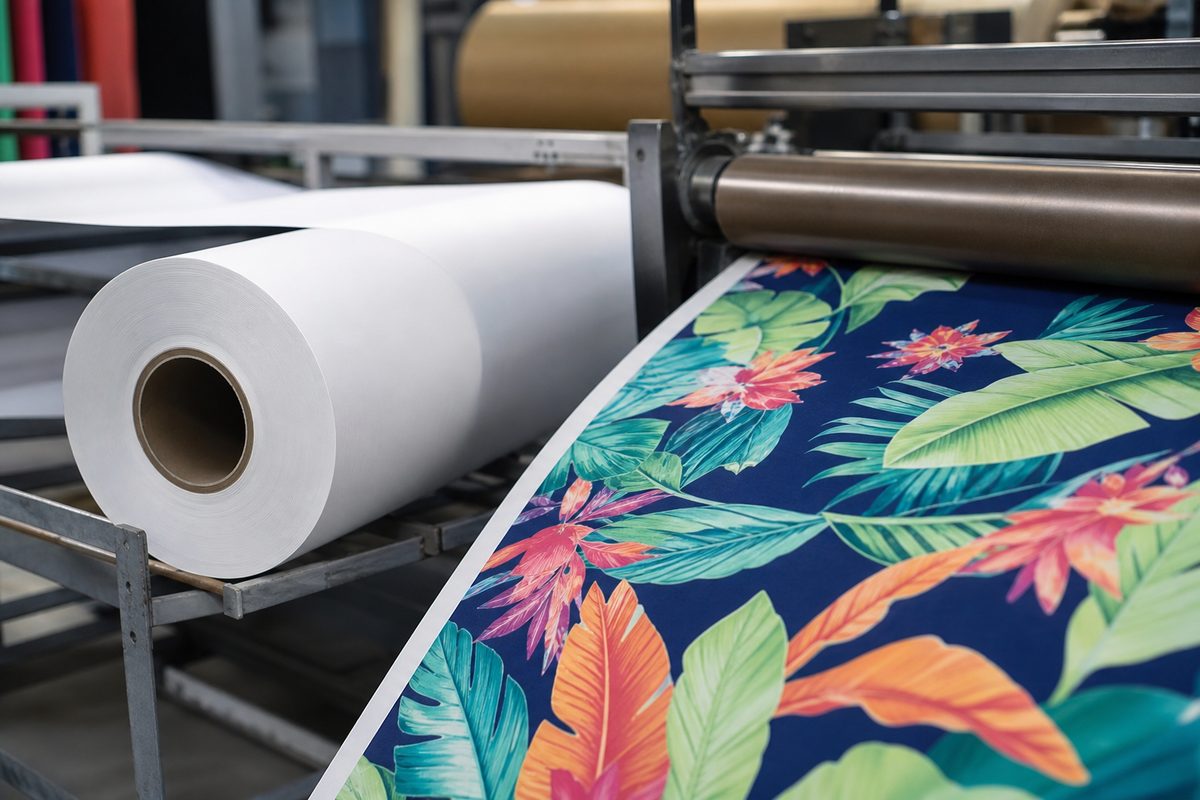
A transfer paper roll for 1.6m-wide printing:
What our Large Format Printing customers say
Verified Google reviews
Sublimation paper and ink
Fabric type, paper weight and press settings help us answer transfer questions.