
Resources
Media specification checklist
Keep one consistent record for every roll or sheet so loading, profiling and finishing decisions stay repeatable across jobs.
Record the base media
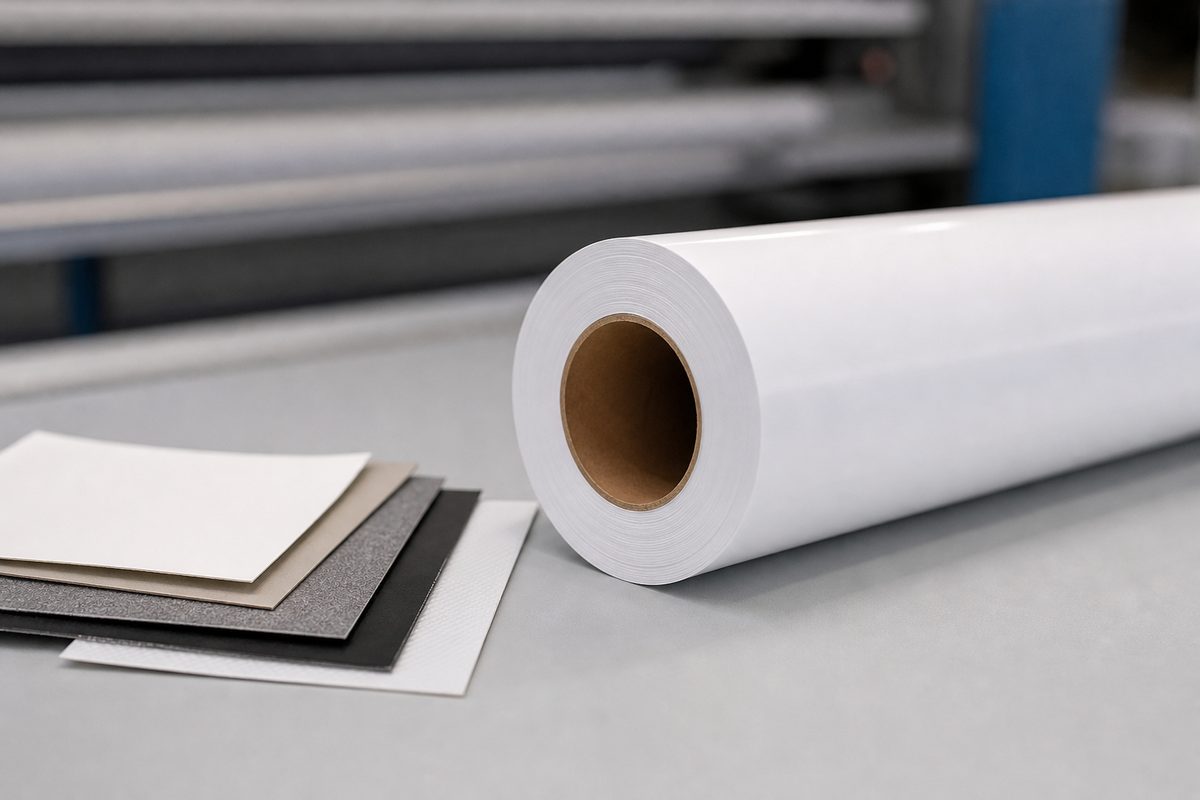
Media type and construction come first. Note cast or monomeric vinyl, banner, paper, textile, film or rigid stock. Add the supplied width and the core size used on your take-up or spindle. These two details affect loading, tracking and whether edge lift starts before printing even begins.
Write down the face finish and adhesive type exactly as supplied. Gloss, satin and matte surfaces do not read colour the same way, and removable, permanent or high-tack adhesive changes application use. Include indoor or outdoor suitability so short-term point-of-sale stock is not mixed up with material meant for exposed signage.
The spec sheet records the base media first:
- Media type
- Supplied width
- Core size
- Finish
- Adhesive
- Indoor or outdoor use
Match media to print settings
Record which ink set the media accepts: eco-solvent, UV or sublimation. This prevents coating mismatch, poor adhesion or slow curing. Where heaters are used, note pre, print and post heater settings that gave stable feed and dry output. If a material cockles, tunnels or marks on pinch rollers, that belongs in the sheet as well.
Add the exact profile name used in the RIP. A generic profile can be close, but the saved profile name tells the operator what was proven on that stock. If colour limits, passes or vacuum settings were changed to stop bleed, graininess or bronzing, include those notes so the next run starts from a known baseline.
Alongside the media, the sheet keeps its proven settings:
- Compatible ink set
- Heater settings
- RIP profile name
- Notes on feed or curing
Note finishing and storage
If the print is laminated, record the laminate pairing that worked on that media, including gloss or matte match and whether silvering, tunnelling or edge curl showed up. Pairing matters because one over-laminate can sit flat on a print while another pulls the edges or changes the surface look enough to affect the job.
Storage notes save wasted rolls. Record whether the material must stay bagged, upright, flat or acclimatised before use. Also note any handling point that prevents trouble, such as letting printed rolls gas off before laminating, or keeping dust away from static-prone film and textile surfaces.
Use one sheet per media
Keep the checklist in one standard format for every material you buy. That makes substitutions easier to spot and helps different operators load the same stock with the same expectations. Small differences in width, coating or adhesive can explain why a repeat job suddenly tracks badly or shifts in colour.
What our Large Format Printing customers say
Verified Google reviews
Pairing media with settings
Questions on matching media with ink, profiles and lamination are answered in writing.