RIP and colour
ICC media profiles
ICC media profiles control how a specific printer, ink, media and print mode reproduce colour, density and neutrals in daily production.
One profile per setup
An ICC media profile only applies to one exact production setup. Change the printer, the ink set, the media type or the print mode, and colour behaviour shifts. A profile made for one vinyl at one pass count will not hold on another film, fabric or quality setting.
This matters because dot gain, drying, total ink load and neutral balance all move when the setup changes. Using a near match can show up as muddy shadows, blocked reds, weak blacks or a grey ramp that leans warm or green.
A profile belongs to one exact combination of:
- Printer model and condition
- Ink set or brand
- Media coating and batch
- Print mode and resolution
How the profile is built
Profiling starts with linearisation and ink limiting. Linearisation evens out each channel so tone steps print in a predictable way. Ink limits are then set so the media carries enough ink for density and gamut without puddling, bleed, mottling or long dry times.
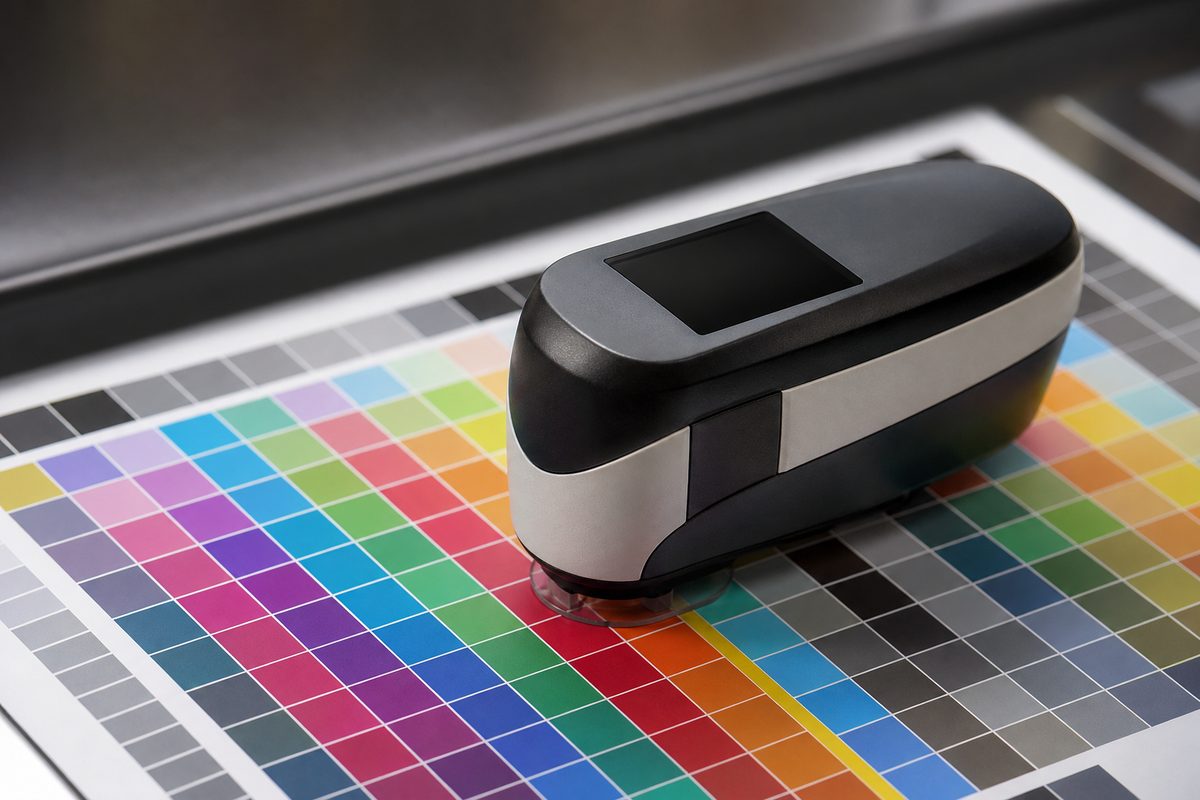
After that, a target chart is printed under the exact mode being profiled and measured with a spectrophotometer. Those readings describe how that media reproduces colour, and the ICC profile translates incoming colour values into output the printer can actually hold.
When to reprofile
Reprofiling is needed when the print condition changes enough to shift colour response. A new media batch can take ink differently. A printhead change can alter placement and density. Changing ink brand or chemistry can move primaries, neutrals and total ink behaviour.
Do not wait for a customer file to expose the drift. If greys lose neutrality, skin tones move, solids stop matching previous work or a profile suddenly needs unusual manual correction, the profile is no longer describing the current setup.
Reprofile after any of these changes:
- New media batch
- Printhead replacement
- Ink brand change
- Noticeable colour drift
What the profile improves
A sound ICC media profile gives more predictable colour from job to job on the same setup. It helps neutrals stay neutral, keeps gradients cleaner and reduces the need to chase output with repeated file edits inside the RIP or design file.
It also helps separate media limitations from file problems. If ink limits and linearisation are correct before profiling, issues such as bronzing, over-inking or weak saturation are easier to trace to media choice, print mode or maintenance state.
What our Large Format Printing customers say
Verified Google reviews
ICC profile set-up
A profile question needs the printer, ink, media and print mode named in the message.