RIP and colour
RIP software for large format printers
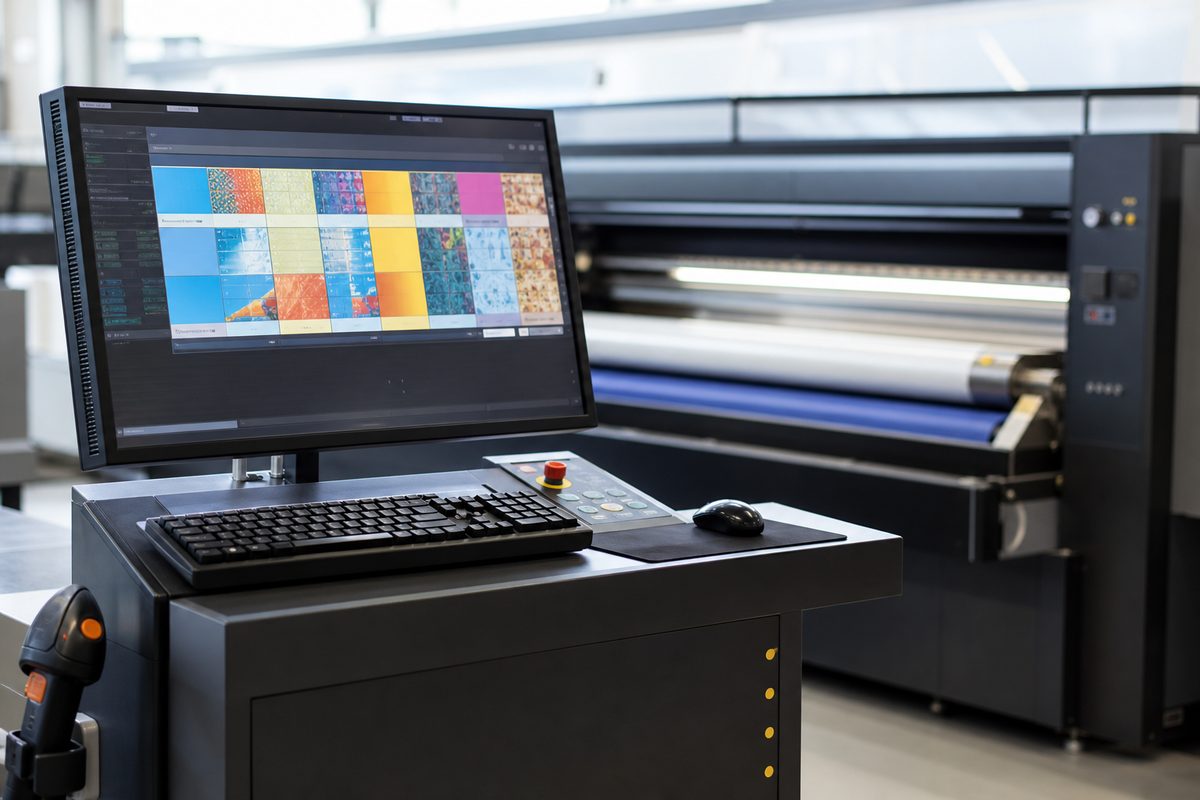
RIP software turns artwork into controlled print jobs, managing layout, cut data, special layers and colour before the file reaches the printer.
What the RIP handles
A RIP controls the print queue and decides how each job is processed. It sets resolution, pass mode, media profiles and ink limits, then sends data in the right order so the printer runs consistently instead of stopping on every file.
For production work, the RIP also saves media and time. Nesting packs multiple jobs into one run, tiling splits oversized graphics into panels, and step and repeat places the same design across the width without rebuilding artwork in a design package.
Day to day, the RIP takes care of layout and queue work:
- Queue and job priority control
- Nesting for media saving
- Tiling for oversized panels
- Step and repeat layouts
Special layers and cut data
Print and cut work depends on the RIP reading cut lines correctly. Spot colours or named paths must match the cutter workflow, otherwise the print may output without a usable contour path or cut in the wrong place after lamination.
On UV machines, white and varnish layers need their own print order and density settings. The RIP decides whether white prints under colour, over colour or as a separate pass, which affects opacity, registration and drying on clear or coloured stock.
Colour management in production
Colour management in the RIP is where profiles, rendering intent and ink limits are applied. If output looks muddy, over-saturated or weak in greys, the problem can be a wrong media profile, an unsuitable intent, or channel limits that are too high for the material.
A consistent workflow means checking that the file colour space, RIP settings and printer profile all match the job. The RIP should also keep repeat jobs stable, so a reprint on the same media does not shift noticeably from the first run.
Check the included RIP
Printer packages can include a bundled RIP, such as SAi FlexiPRINT or an in-house InkRIP. The included software matters because it affects colour tools, cut workflow, layer handling and how easily operators can queue mixed jobs on the same machine.
Before choosing a package, check exactly which RIP is included and whether it fits the work you produce the most.
A package with SAi FlexiPRINT on BuyThis
An eco-solvent printer package that ships with SAi FlexiPRINT:
What our Large Format Printing customers say
Verified Google reviews
Which RIP comes with a package
Which package is on your shortlist? Name it and the included RIP can be confirmed.