
Eastern Cape
Gqeberha printer viewings
Wallpaper and décor work needs clean joins and even colour from drop to drop, so a Gqeberha viewing centres on overlaps, colour control and flat media handling.
Set stable tile widths
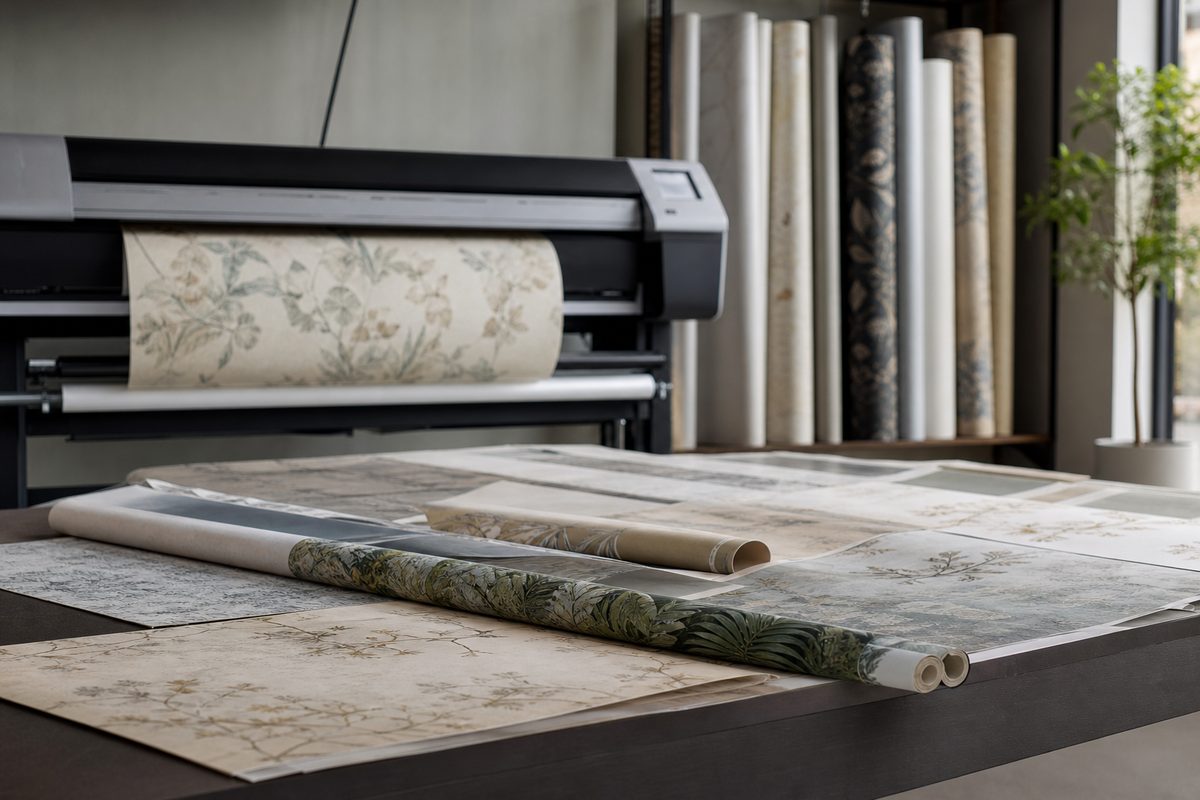
Wallpaper panels need a tile plan before the file goes to the RIP. Base panel width on the printable width after margins, trim allowance and any panel numbering space. Keep the image split on repeated design elements where possible, not through faces, fine text or strong vertical motifs. A consistent panel width reduces cutting errors and keeps panel order predictable during finishing and packing.
Overlap needs to match the media and the hanging method. Thin self-adhesive films can show ridges if the overlap is too generous, while textured wallcovering may need more forgiveness at the seam. Build the overlap into the file rather than stretching one panel on press. Mirrored seam areas can help hide joins, but repeated patterns still need exact repeat position from drop to drop.
Control the RIP and file setup around these points:
- Panel order marks
- Built-in overlap
- Repeat position lock
- Trim allowance
Hold colour across drops
Colour consistency between drops starts with stable print conditions. Run all panels for one mural in the same print mode, pass count, heater setup and ink set, and avoid splitting a job across different days if ambient conditions are shifting. Linearisation and media profiling need to be current for the exact wallpaper stock. Reprints made later can drift if the substrate batch, curing level or profiling target has changed.
Banding, density drift and head variation show up badly once adjacent drops are on a wall. Nozzle loss in one channel can warm or cool a single panel, even when the defect looks minor on the take-up. Print a panel key with panel numbers and orientation, then inspect neighbouring drops side by side under the same light. Reprint any suspect panel before cutting, because trimming hides clues that help identify the cause.
Keep media flat
Media flatness affects registration, seam appearance and apparent colour density. Cockling between pinch points changes head height and can soften detail at one edge of the panel. Feed tension that is too high can also narrow the roll slightly and alter tile width over long drops. Store rolls upright and wrapped, then allow the material to settle in the print room before loading so the web tracks more evenly.
Heat settings need enough energy for drying or cure, but excess heat can distort wallcovering and create edge lift on the platen. Vacuum, pinch roller pressure and take-up tension should hold the web without stretching it. Pre-feed a short length and watch for edge curl, skew or waviness before the full run. Flat output cuts cleaner, stacks better and lines up more predictably during panel trimming.
Gqeberha viewings run by appointment only, booked through the contact form.
What our Large Format Printing customers say
Verified Google reviews
Wallpaper joins and colour
Describe the wallpaper media and drop widths you work with when you ask for a Gqeberha appointment.