
Support
Printhead questions
A clear fault description saves back and forth. Write what the printer is doing, what changed, and what you have already tried.
What to include first
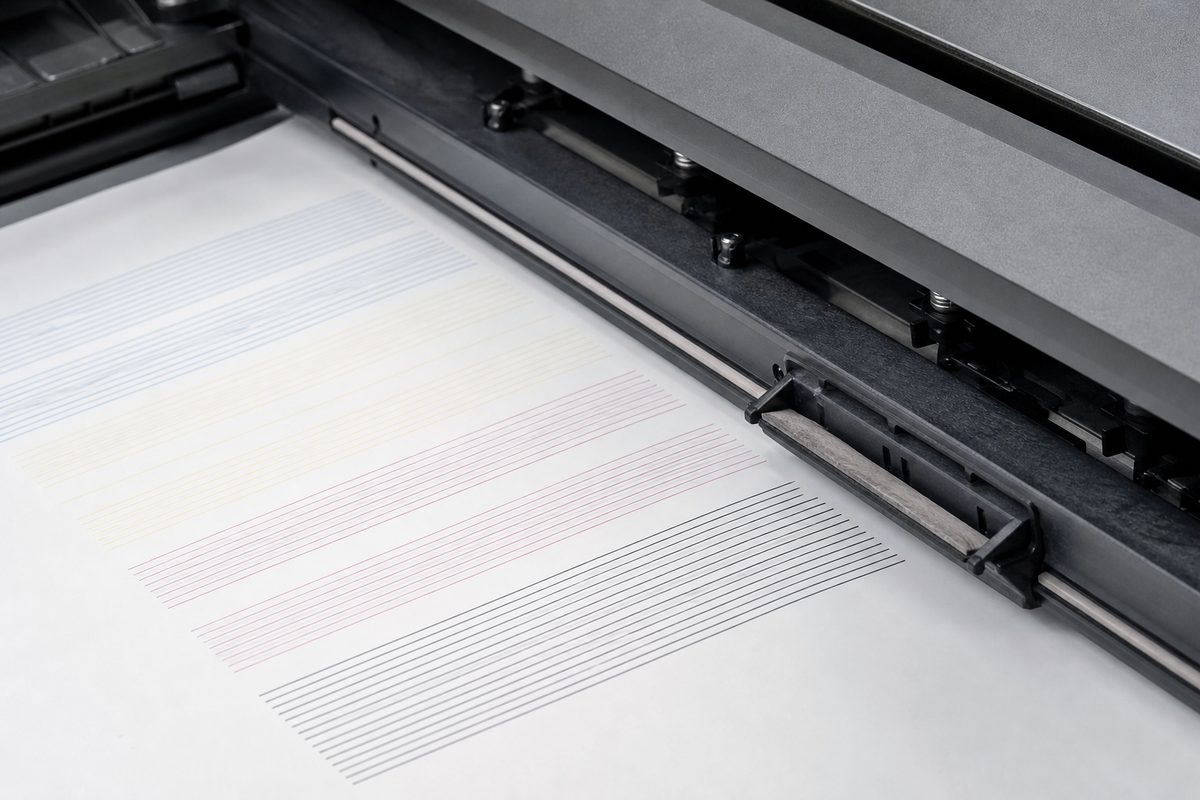
Describe the nozzle check in words. Say which colours are missing, weak or deflected, and whether the loss is random, in one area, or repeated in the same place on each check. If the problem shows only while printing, say whether it appears as banding, overspray, colour shift or fine horizontal gaps.
Add when it started, after how much idle time, and whether anything changed just before the fault. Useful details are the ink set in use, the media type, room dryness or static signs, and whether the issue affects one channel or several.
Start the fault report with five facts:
- Nozzle check result in words
- When the fault started
- Ink and media in use
- Idle time before the issue
- One channel or multiple
Cleaning already tried
State every cleaning step already done, in order. Include normal cleans, powerful cleans, manual cap top cleaning, wiper cleaning, and any ink fill or purge cycles. Say how the nozzle check changed after each step. That tells the difference between a temporary ink delivery problem and a pattern that keeps returning in the same nozzles.
Also mention anything you inspected. A worn wiper can leave ink behind on the face of the head. A weak cap seal can let nozzles dry out while parked. If a damper was changed recently, say so, because trapped air can mimic a head failure.
Common fault patterns
Air in the lines can show as sudden drop-out in one colour, then partial recovery after cleaning, then loss again during printing. Dry nozzles follow idle time and improve a little after the first clean. Static can appear on certain media, with fine misting, deflected dots or random missing nozzles that do not stay in one pattern.
A worn wiper or dirty cap station tends to cause repeated contamination, poor recovery after cleaning, and nozzle checks that change for the worse after parked time. Damper issues can affect one channel more than others and can cause starvation on long passes or solid fills.
How to describe symptoms
Use short, direct notes instead of broad terms like bad print quality. For example, say magenta loses lower third nozzles after ten minutes of printing on vinyl, or cyan shows two repeated gaps on every check after standing overnight. Specific wording helps narrow the fault path quickly.
If the printer prints clean at first, then bands later, mention the job type, pass mode and whether the problem appears on heavy coverage only. If colour shifts after a clean, say which colours move and whether the nozzle check still looks incomplete.
What our Large Format Printing customers say
Verified Google reviews
The fault in detail
Include the nozzle check result, timing, ink, media and the cleaning already tried.